
Level up your amiibo collection!
placiibo helps you track, explore, value, and preserve your amiibo collection across your Apple devices.


Why collectors choose placiibo
A complete companion for organizing, exploring, valuing, and preserving your amiibo collection.
Track every detail
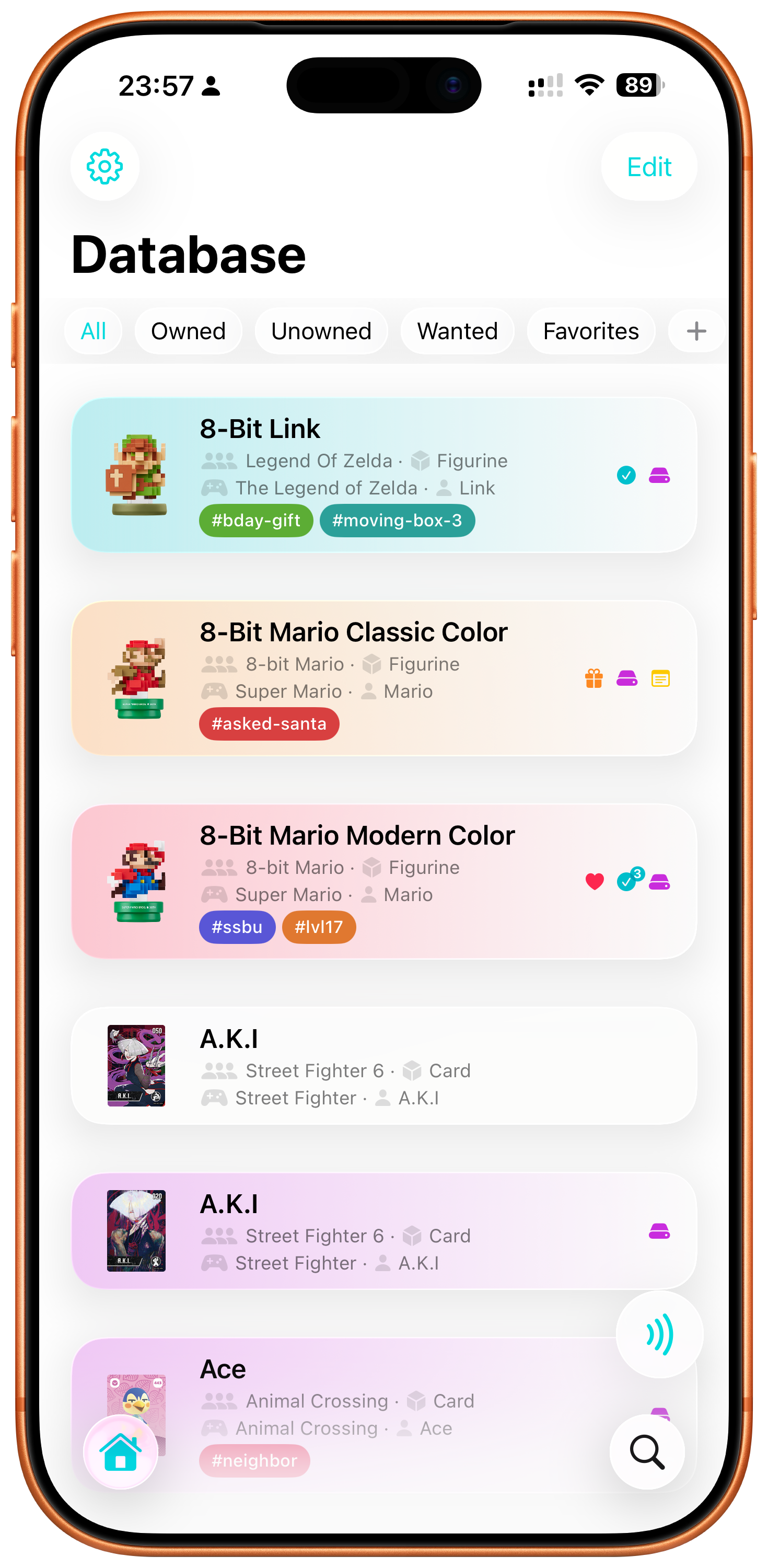
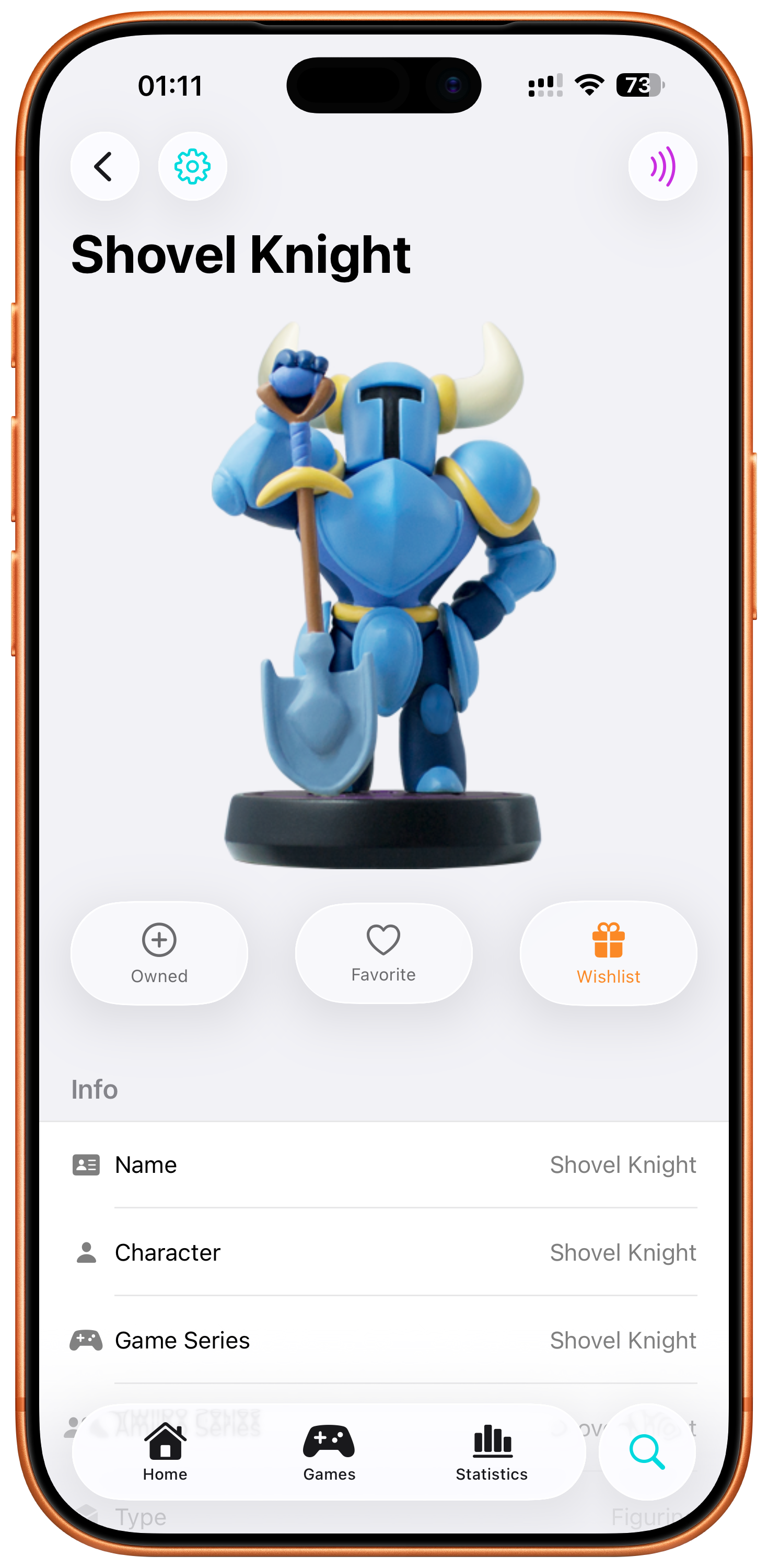
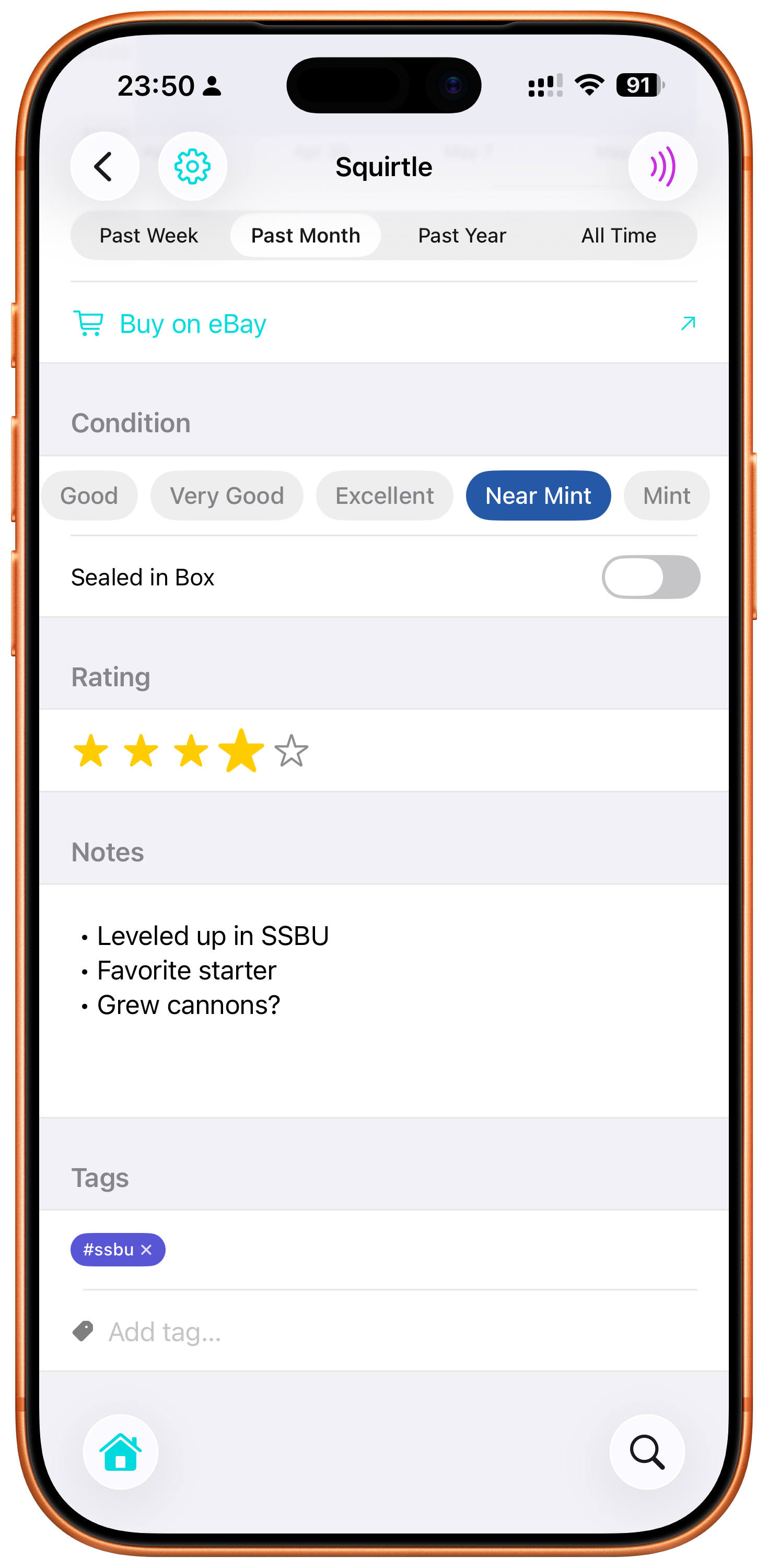
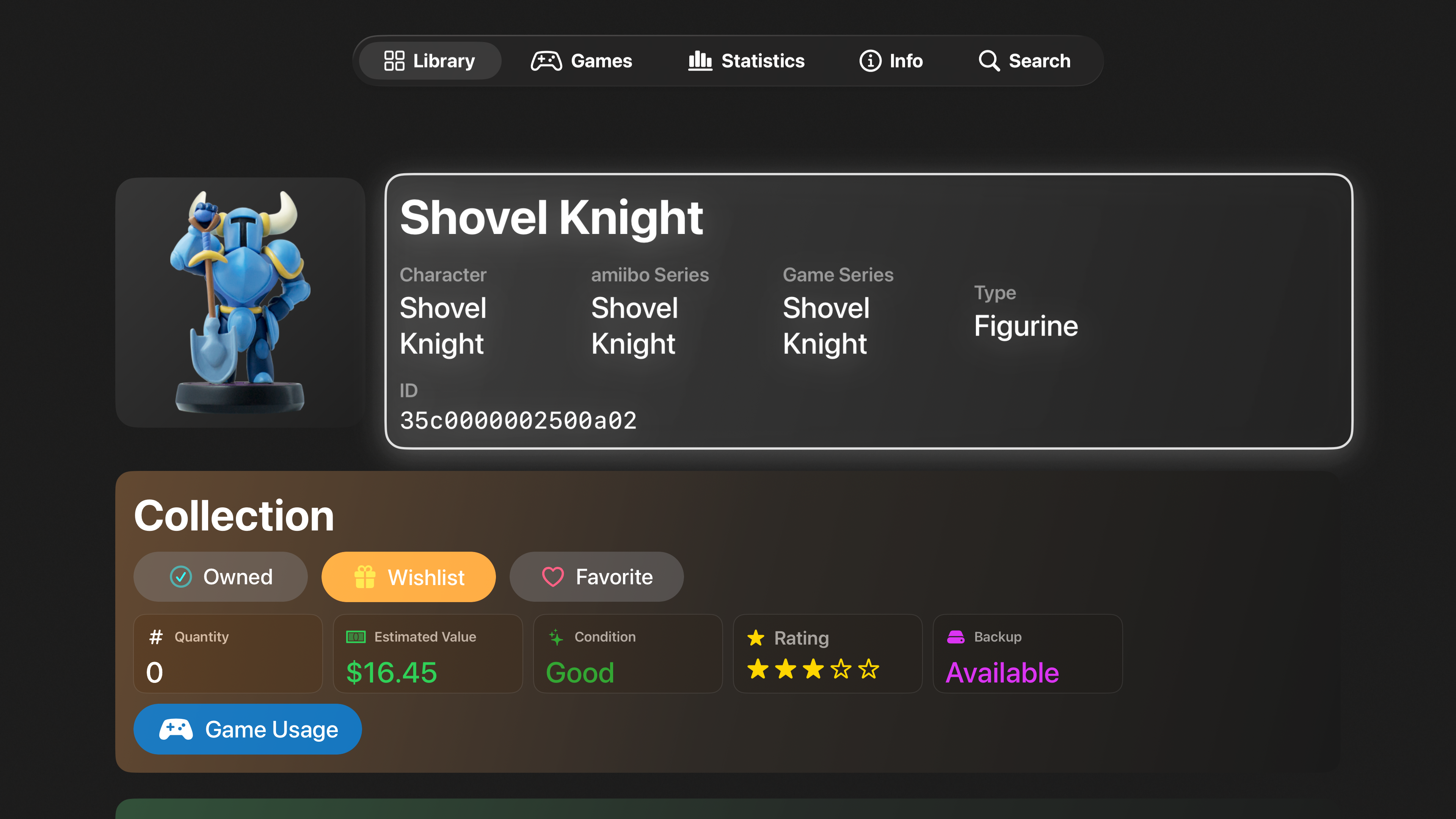
Mark amiibo as owned, wishlisted, or favorited. Track condition, notes, tags, quantity, purchase cost, current value, and more in one organized collection.
Know what your amiibo unlock
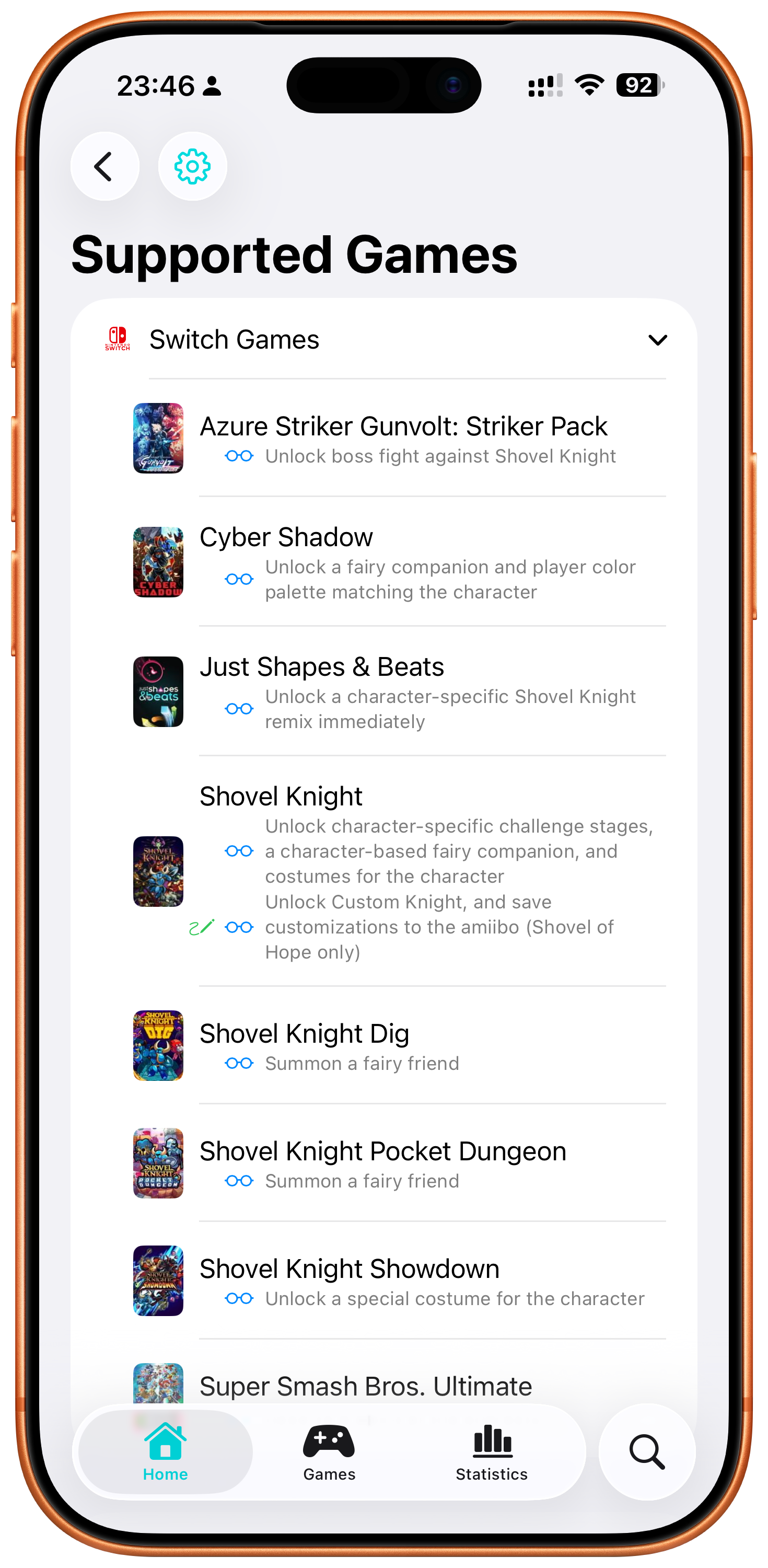
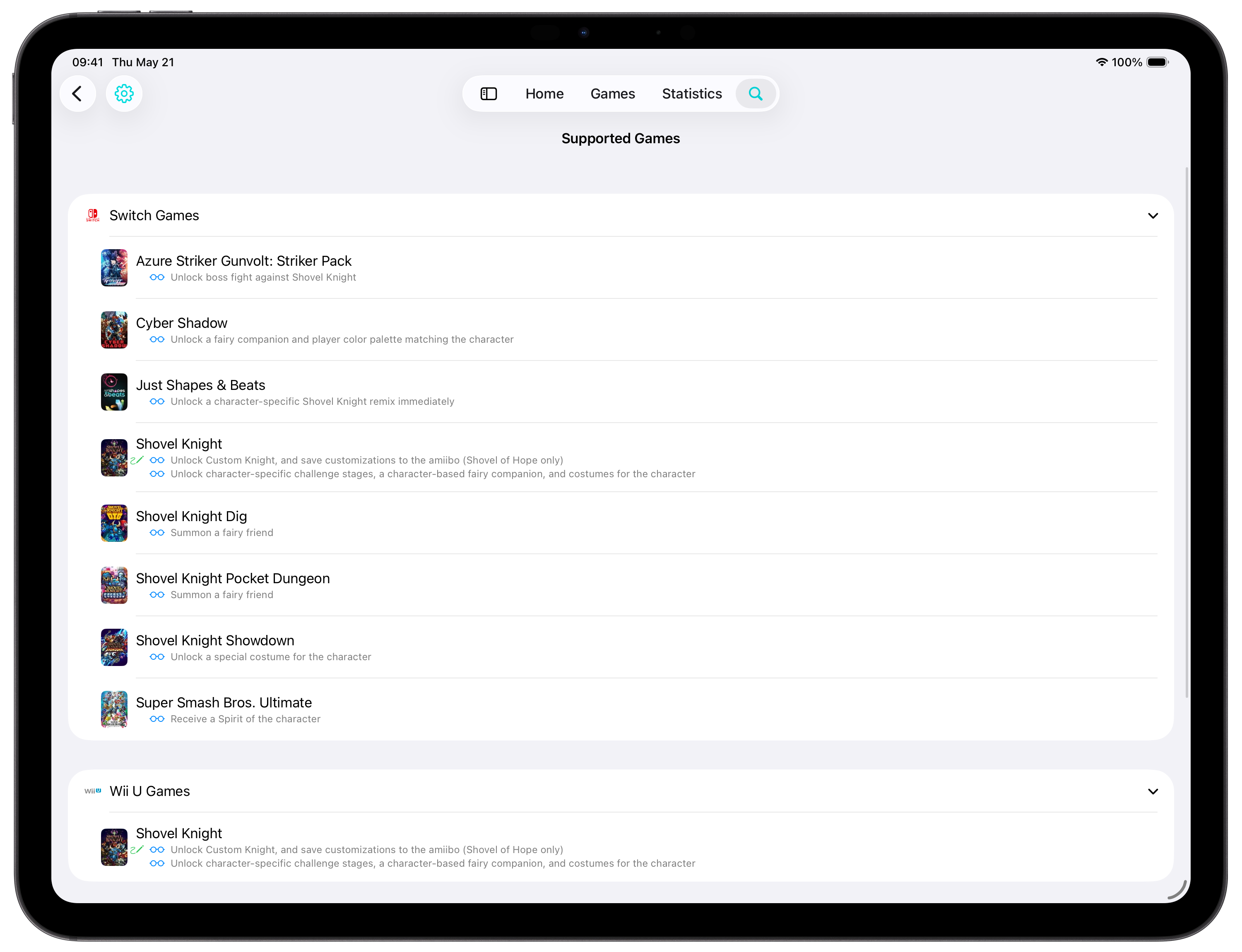
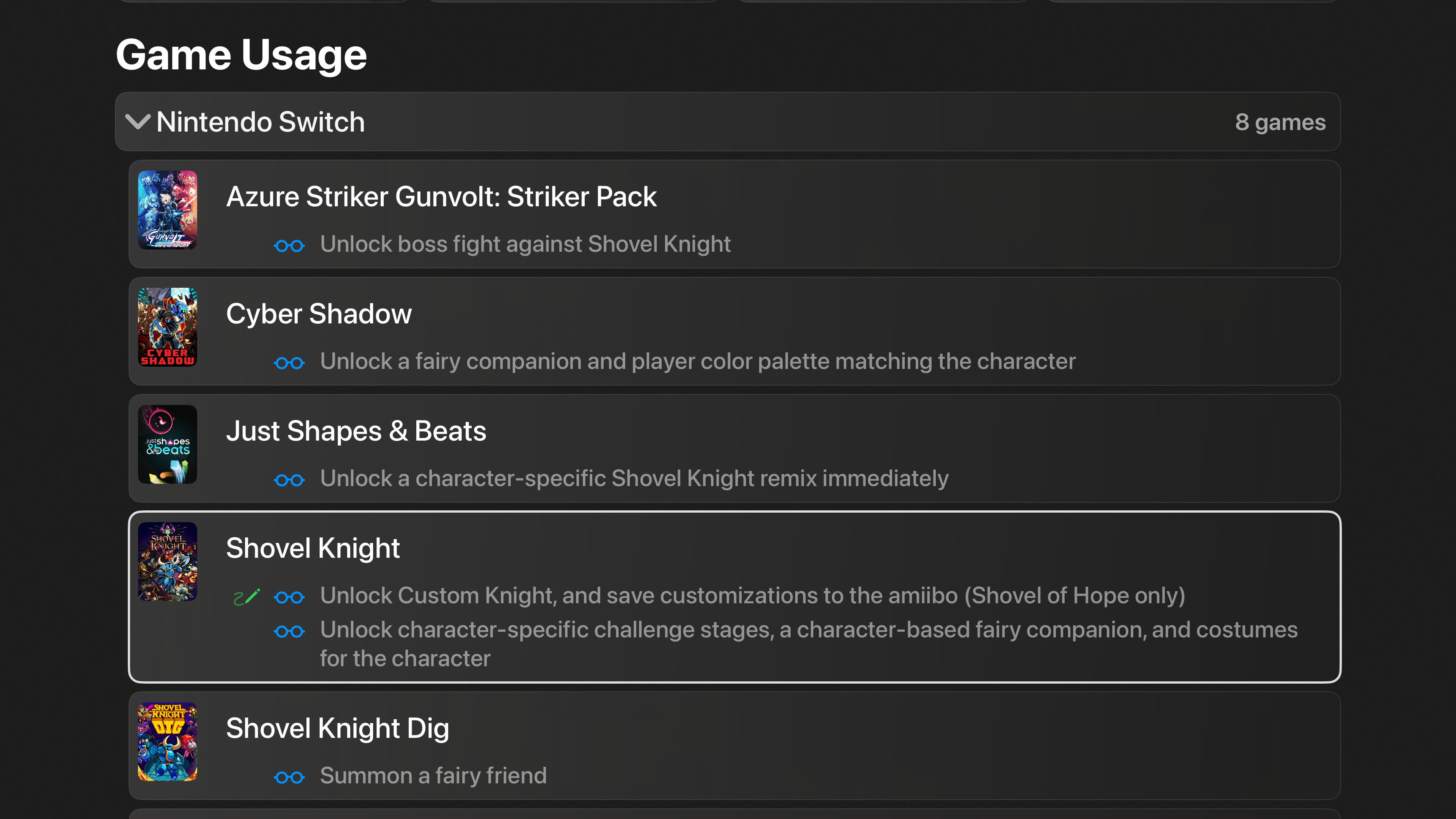
Explore game compatibility and in-game benefits across Nintendo Switch 2, Nintendo Switch, Wii U, and Nintendo 3DS titles.
Preserve and understand your collection
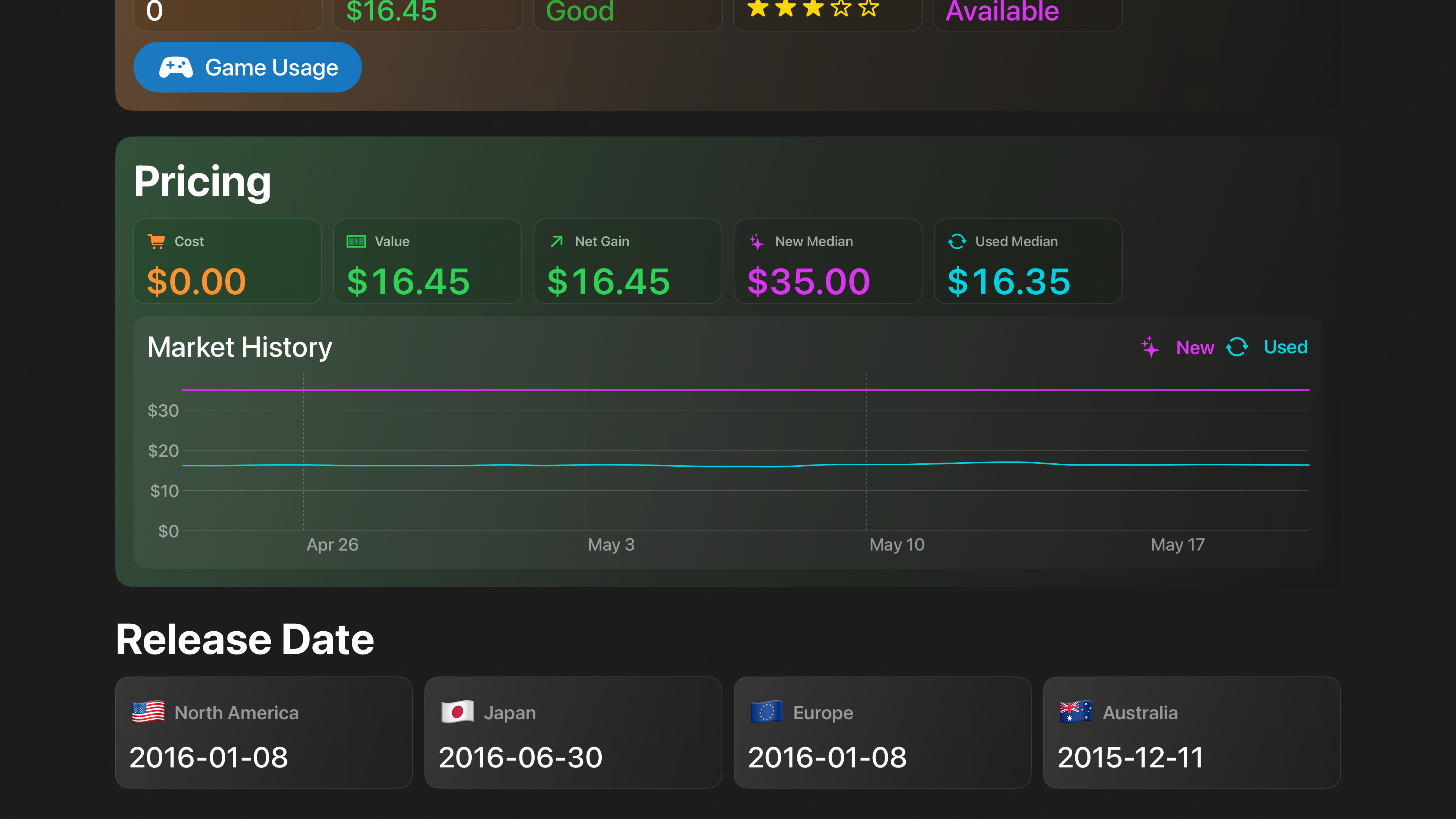
Back up your own amiibo data, follow collection value over time, and keep everything synced across your Apple devices.
Designed for iPhone
The complete placiibo experience in your pocket, from collection tracking and quick lookups to NFC backup and writing tools.
Powerful features for serious collectors
Everything you need to organize, explore, track, back up, and personalize your amiibo collection.
Collection tracking
Track owned, wishlist, favorites, quantity, condition, notes, tags, purchase cost, current value, and more.
Game compatibility
Look up supported games and see what each amiibo unlocks across Switch 2, Switch, Wii U, and 3DS.
NFC backup & writing
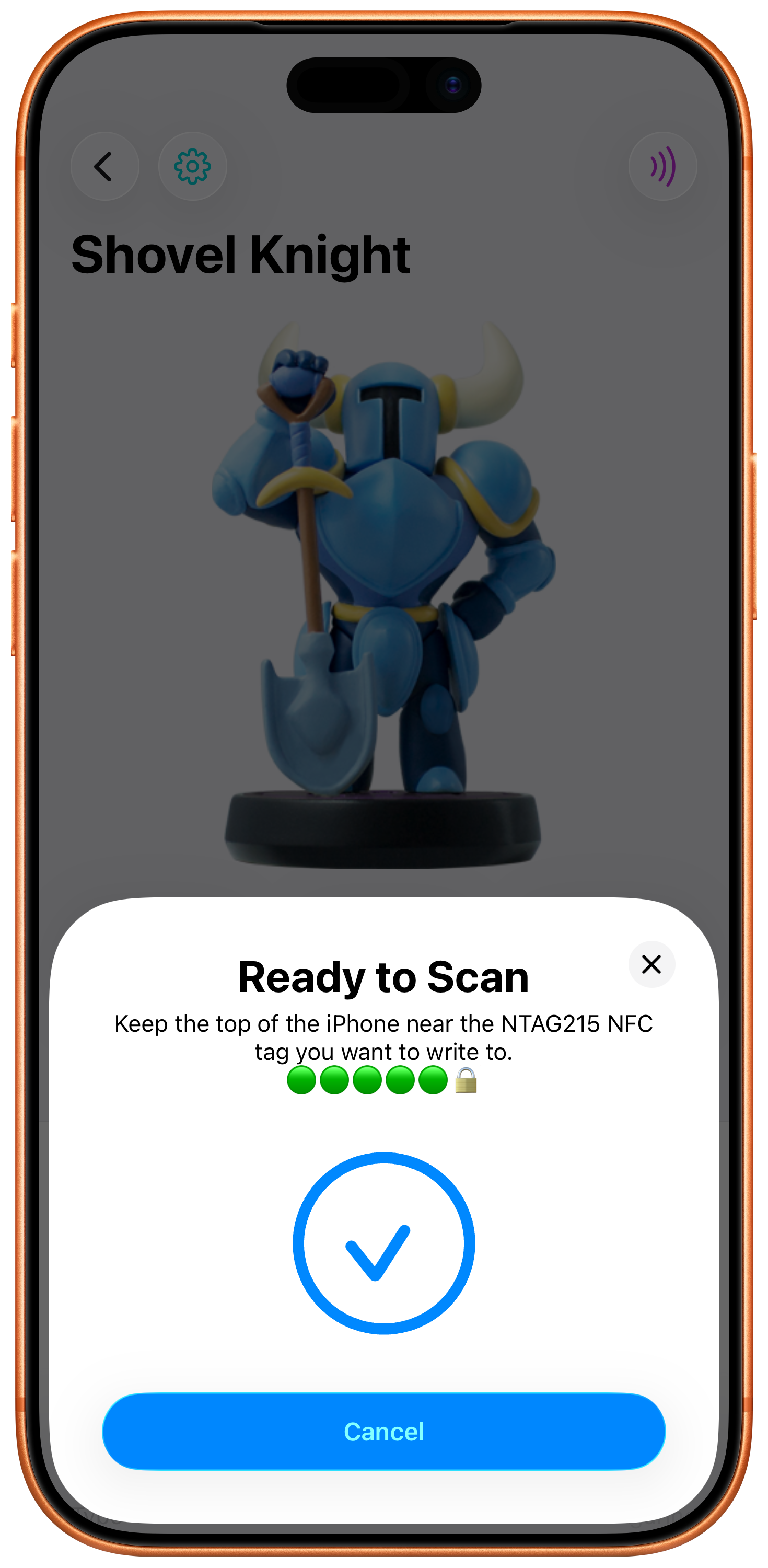
Scan amiibo, create personal backups, and write them to compatible tags and devices.
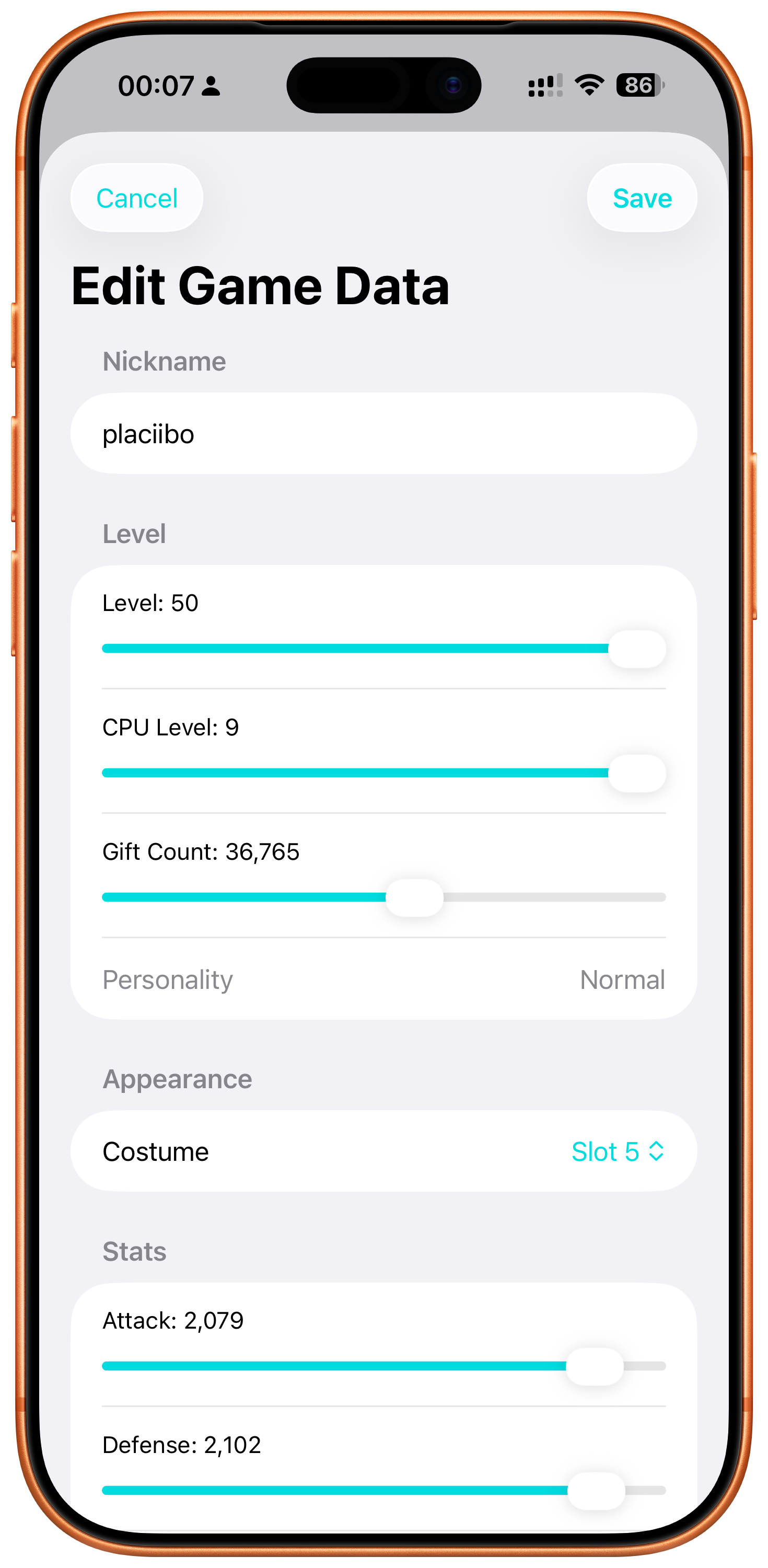
Game data editing
Edit supported amiibo game data and write changes back for Smash, Splatoon, and Twilight Princess.
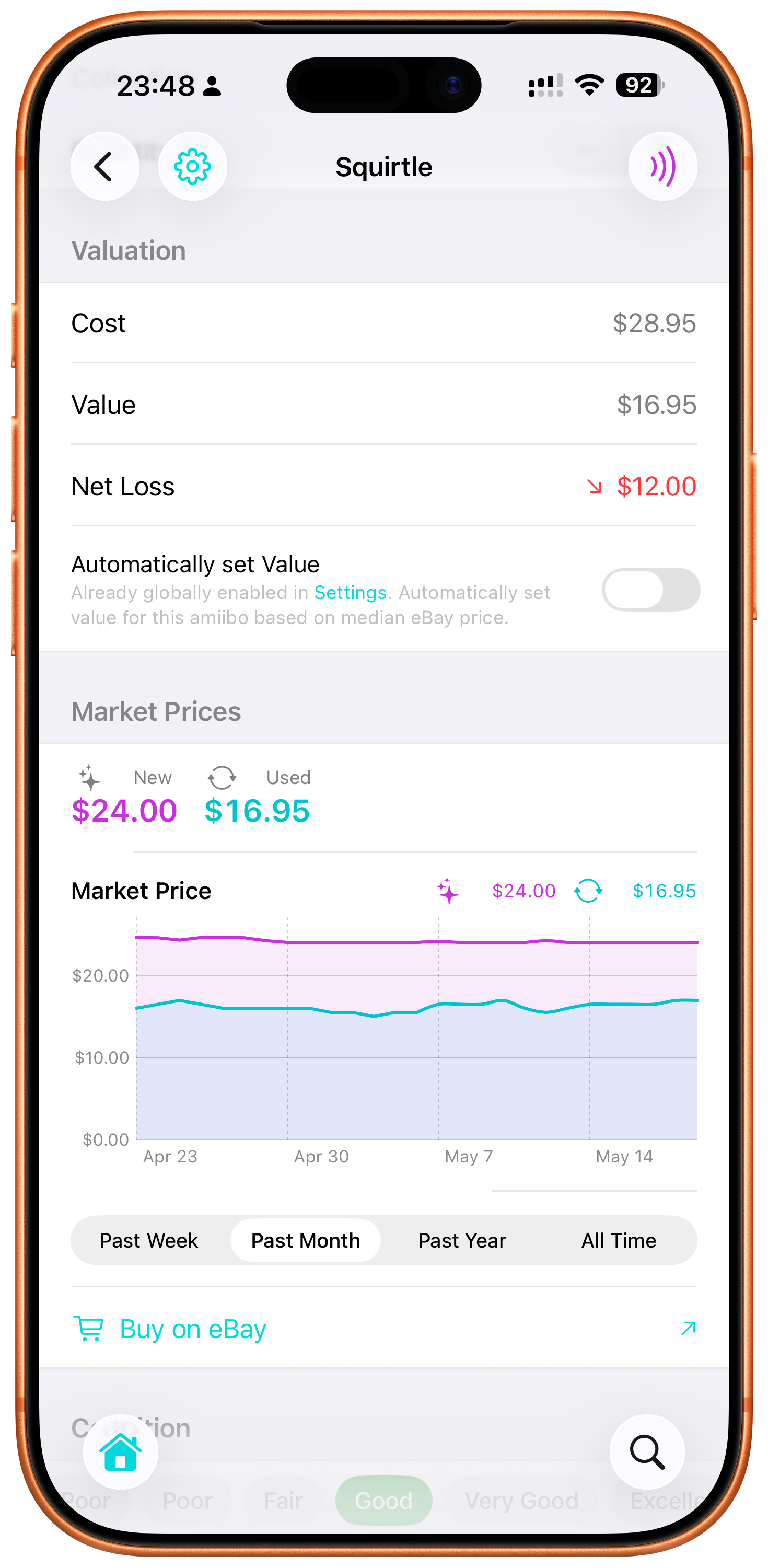
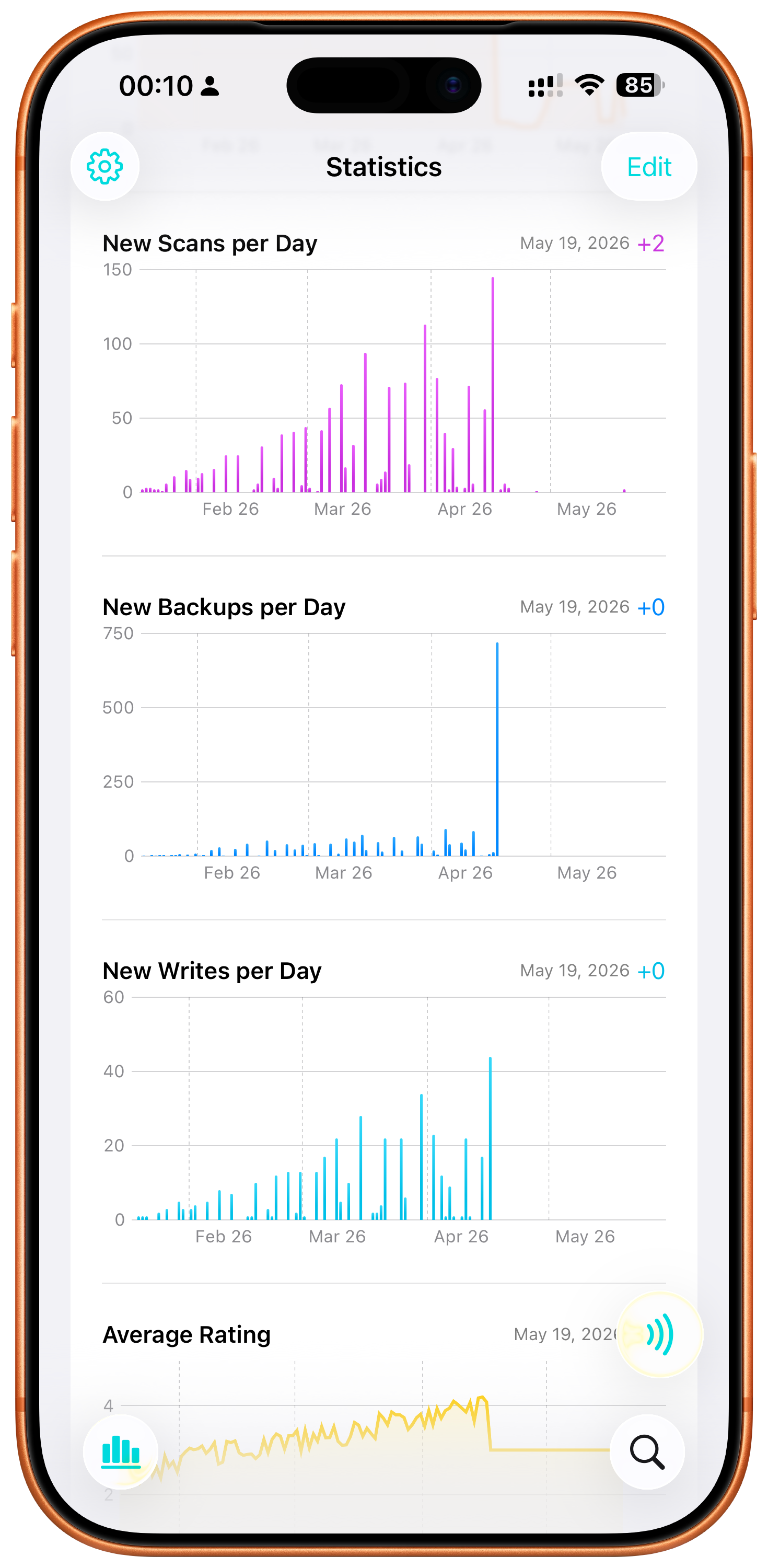
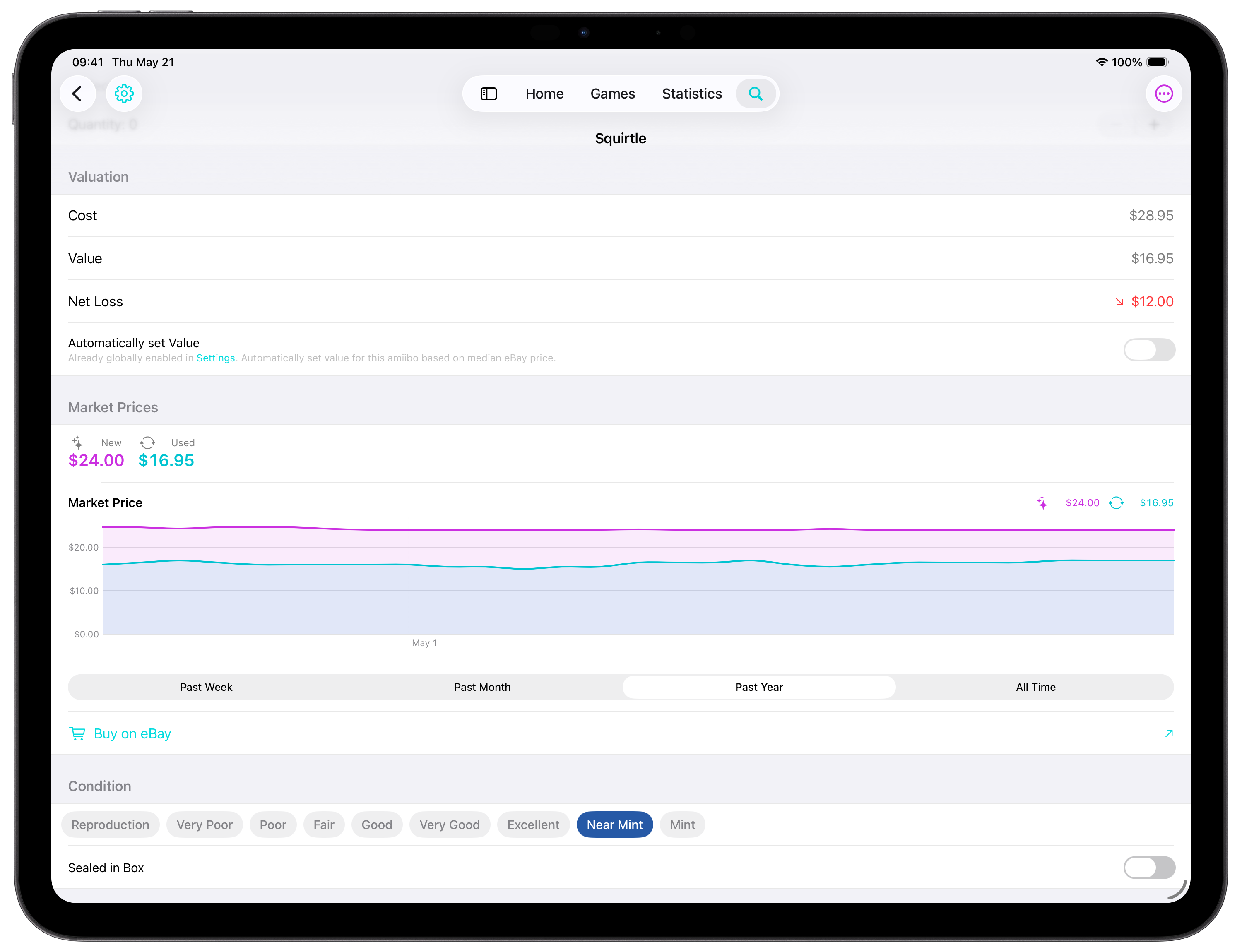
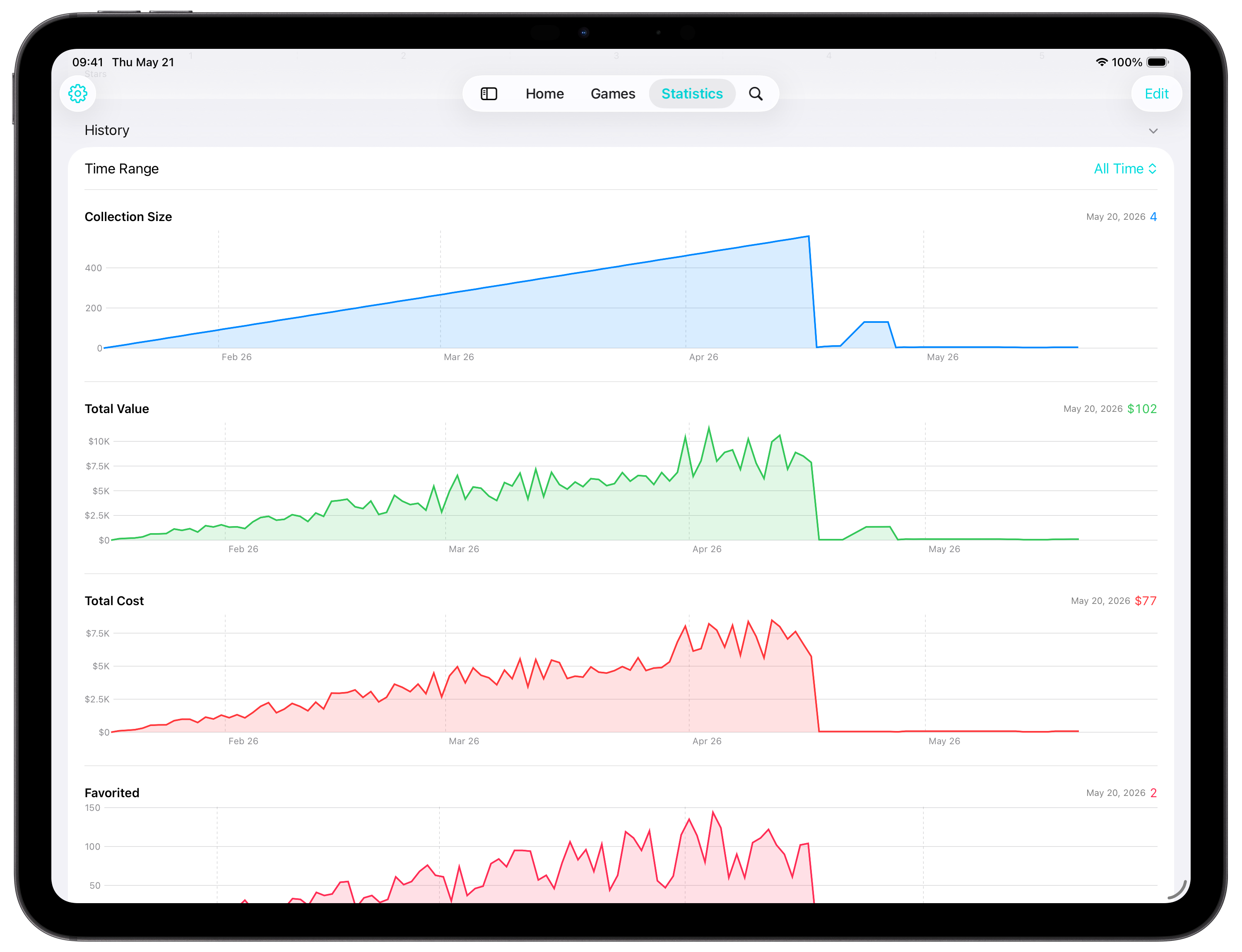
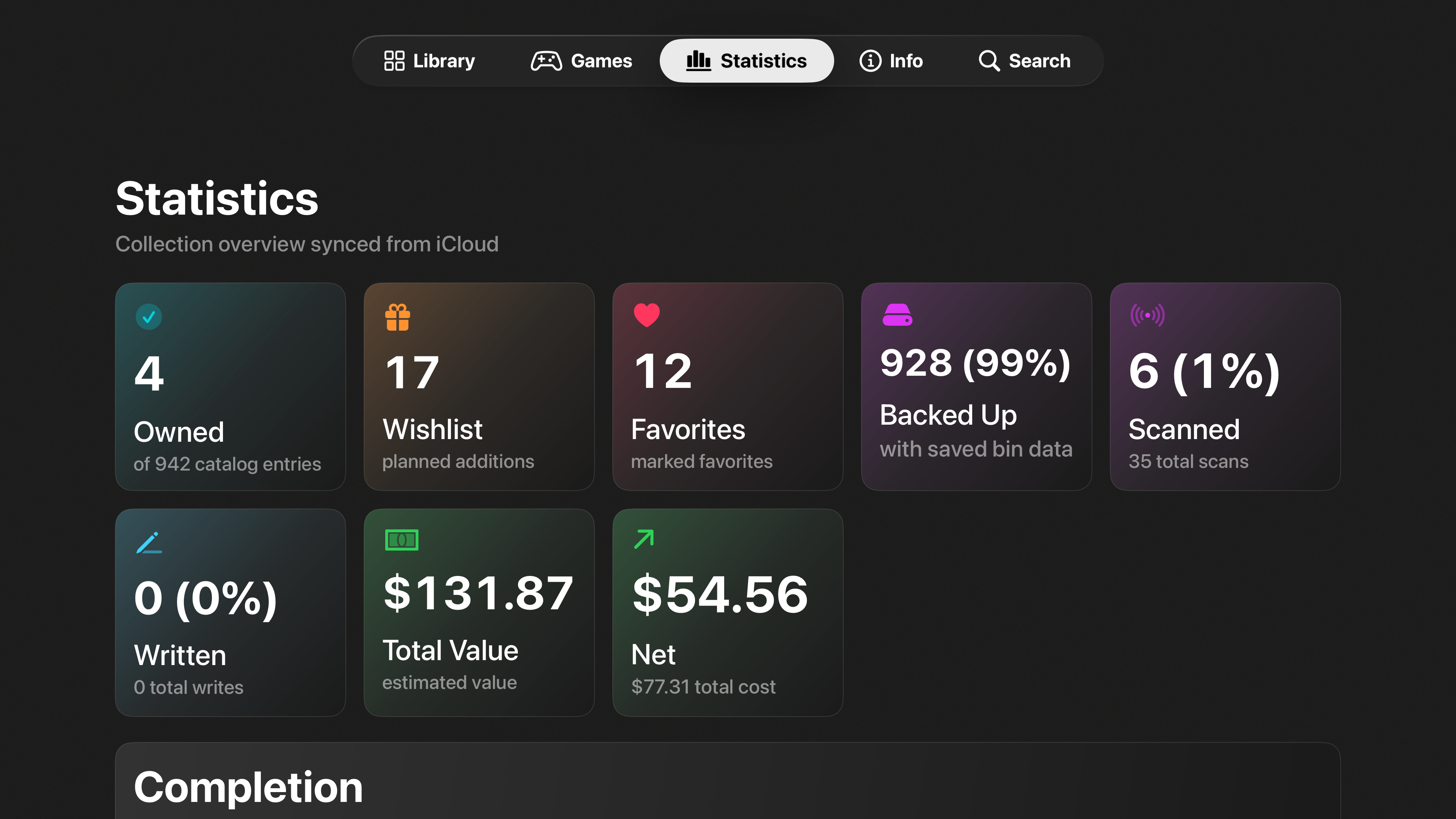
Value & statistics
Follow market prices, collection value, historical progress, ratings, scans, backups, writes, and more.
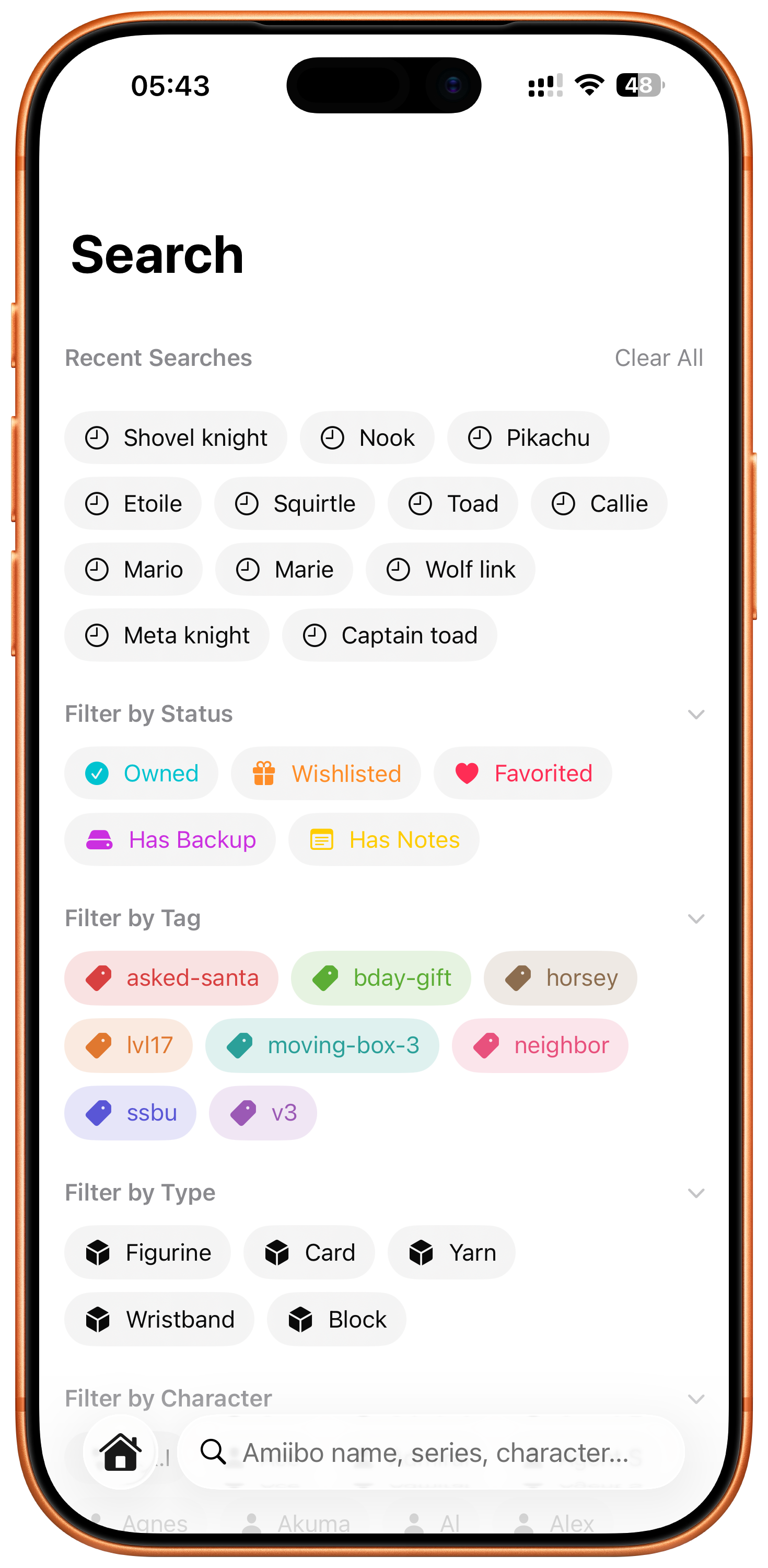
Search, filters & layouts
Find exactly what you need with search, filters, sorting, saved preferences, and customizable list or grid layouts.
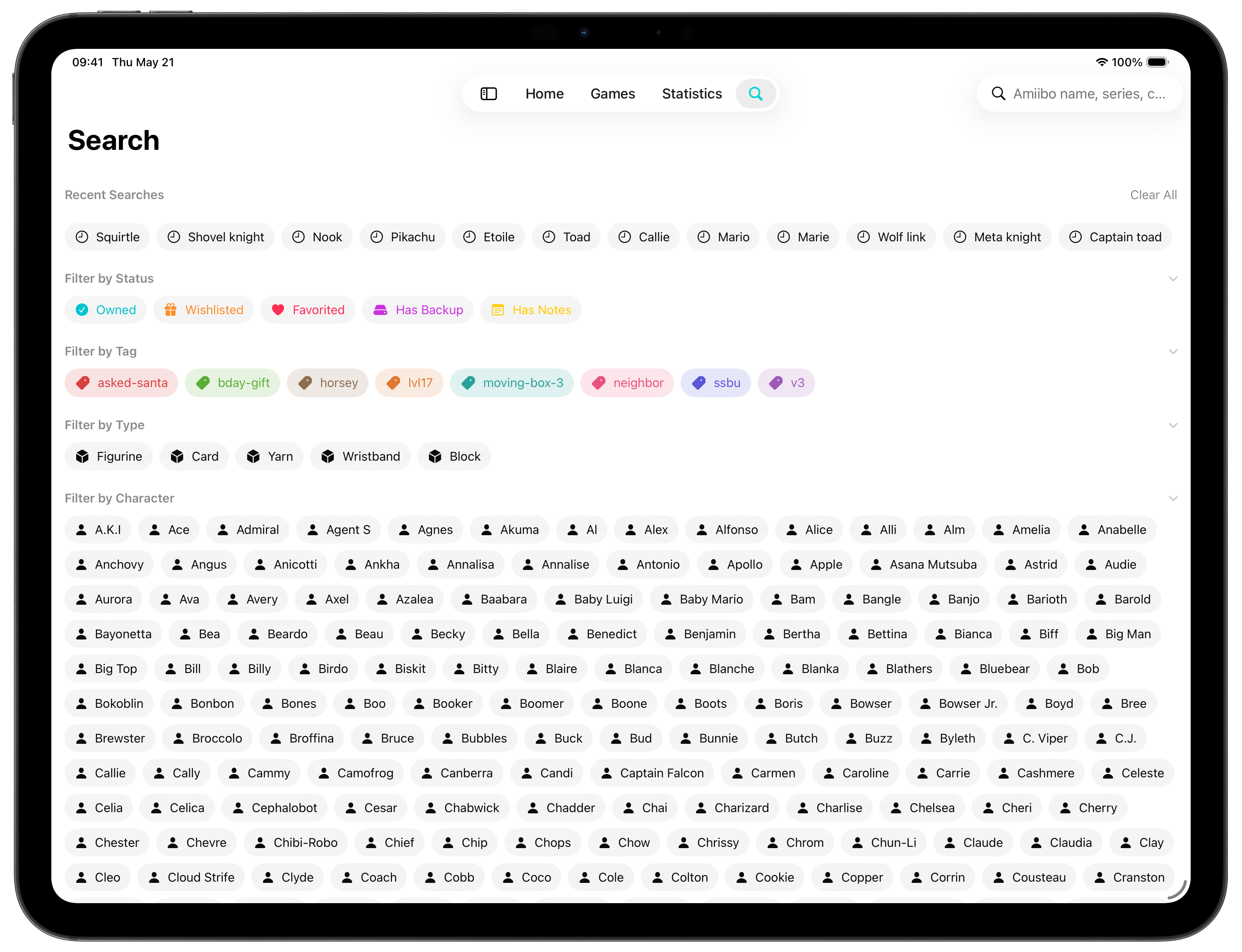
Expanded for iPad
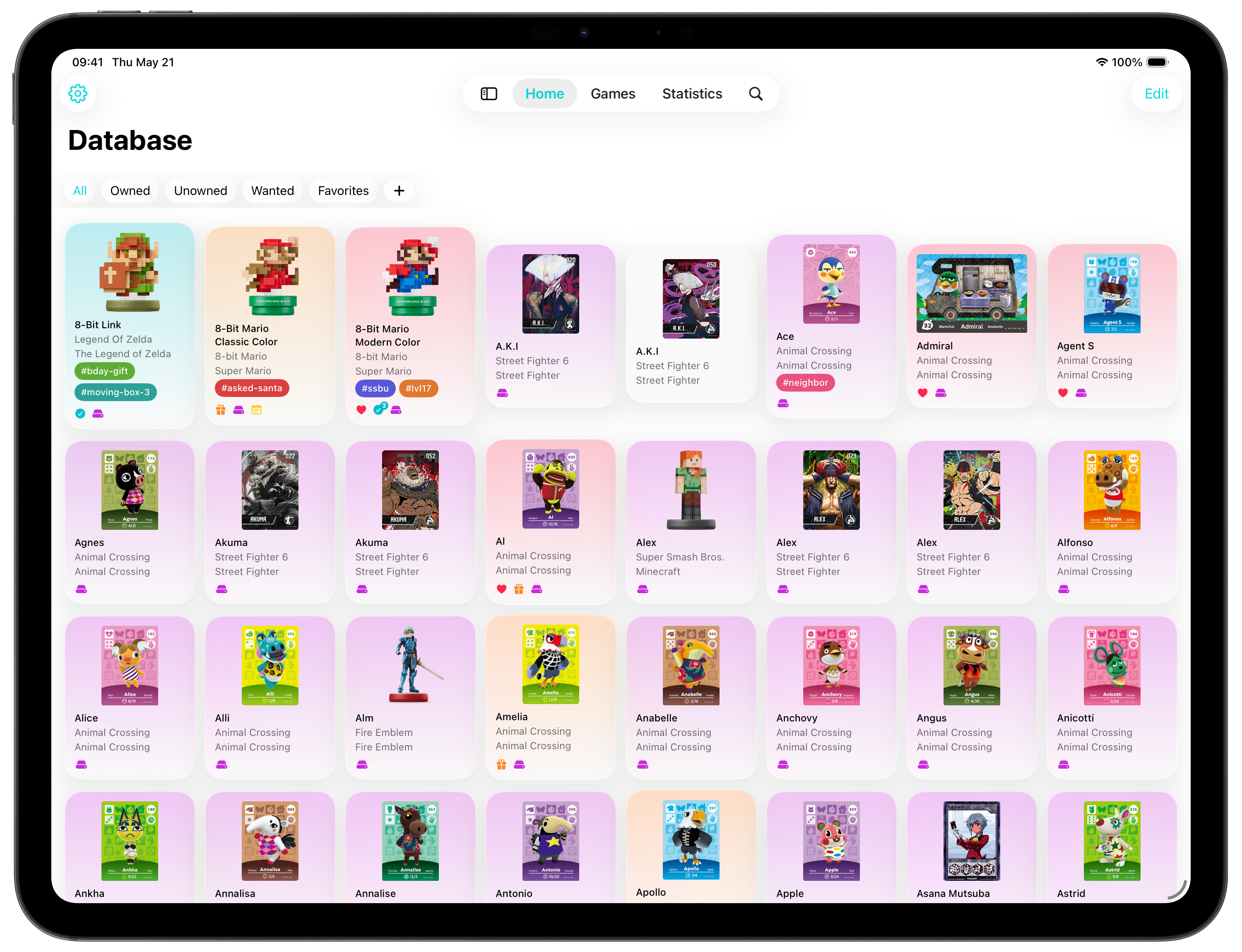
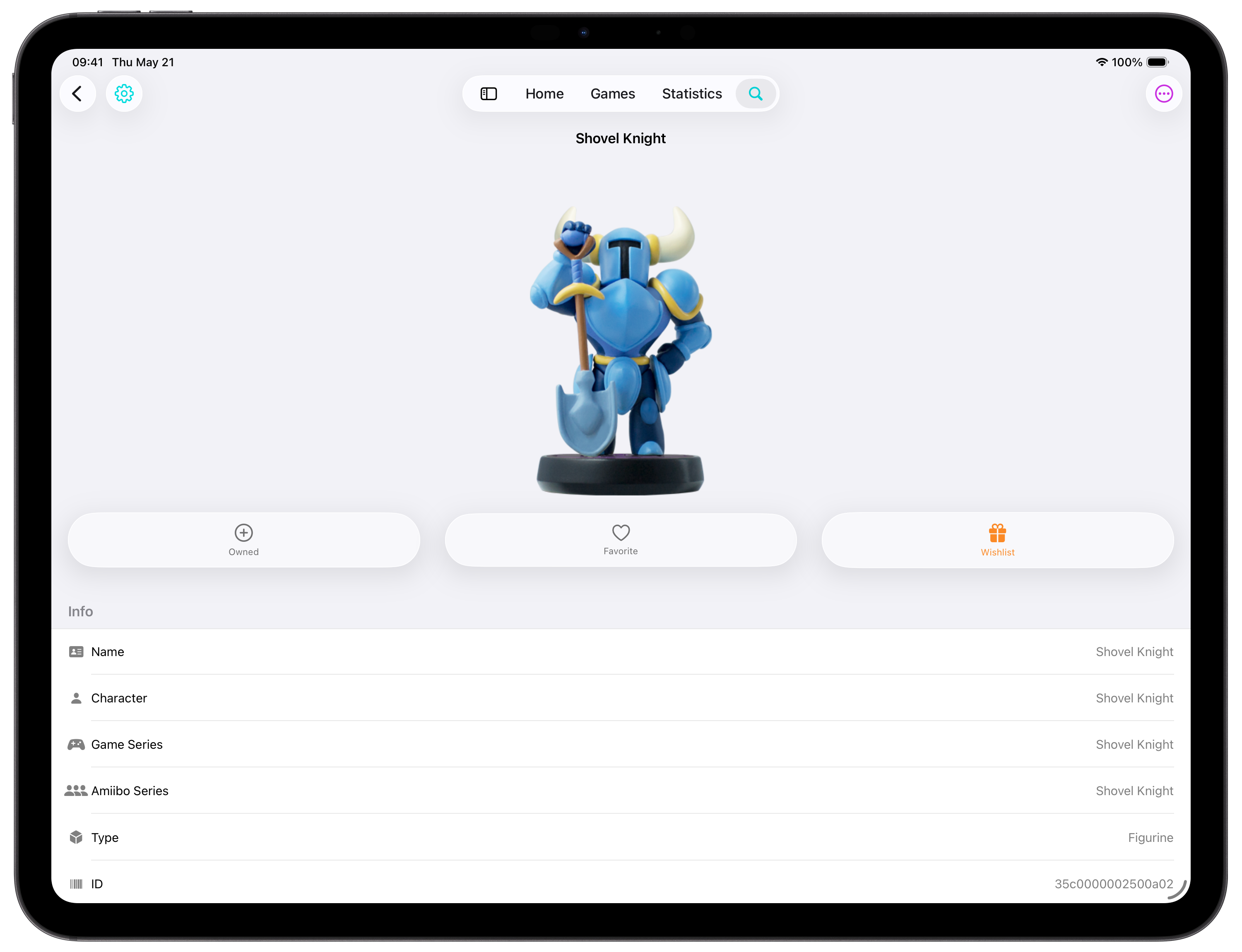
Browse, organize, and explore your amiibo collection with more room for details, filters, games, and statistics.
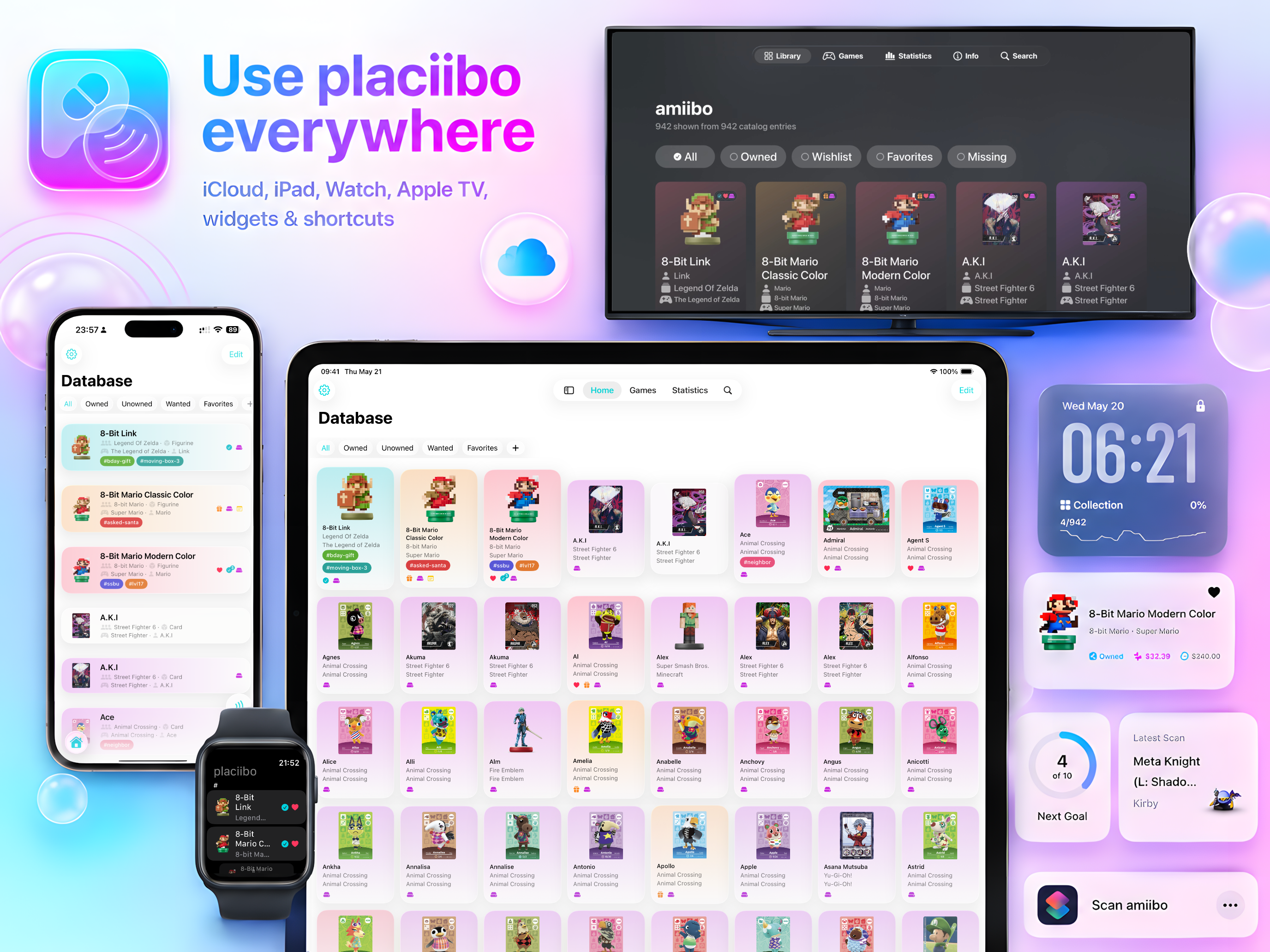
One collection. All your Apple devices.
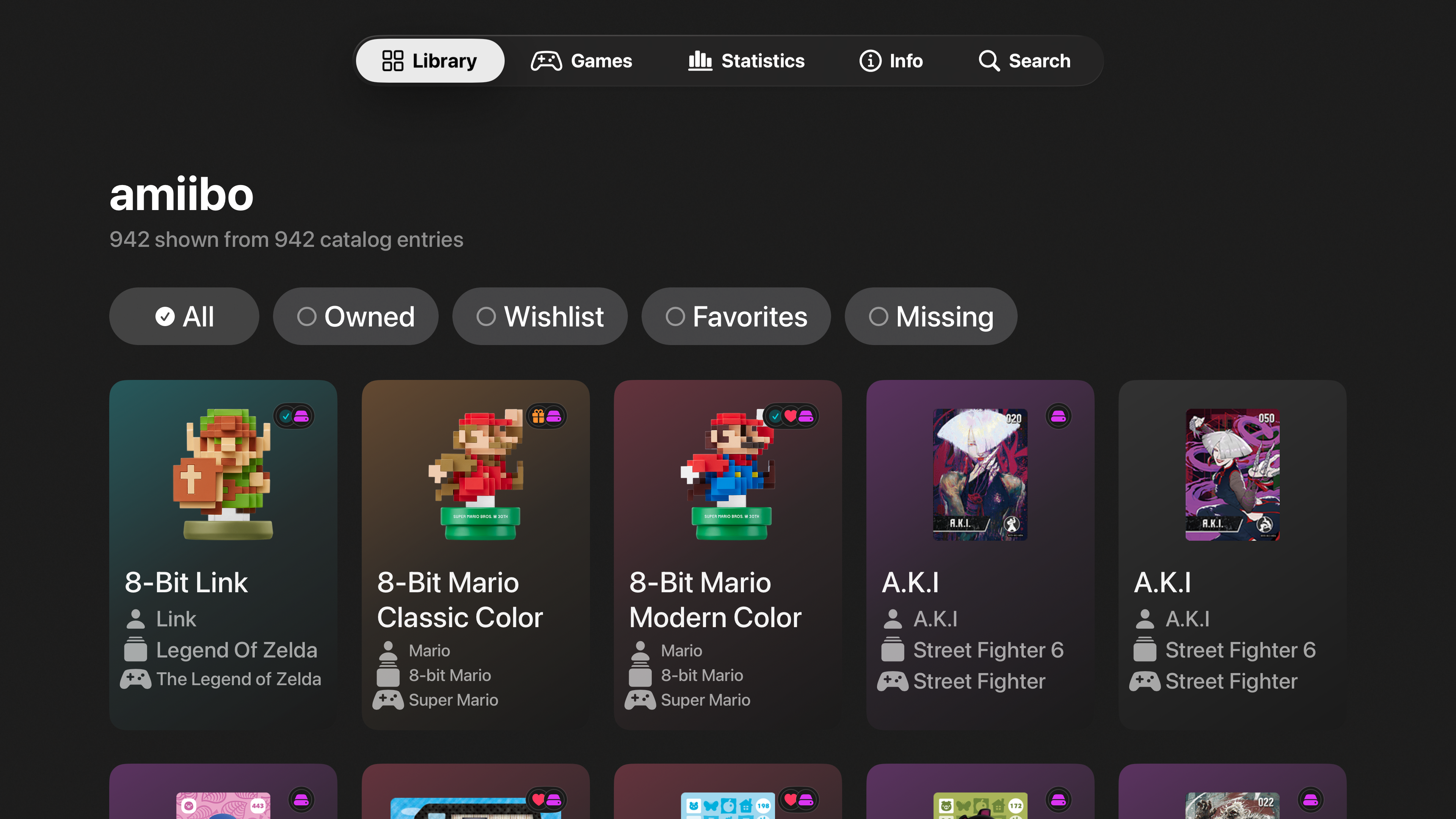
Browse on iPhone and iPad, glance from Apple Watch, and look up amiibo details on Apple TV with iCloud keeping everything in sync.
Built for the big screen
Browse your collection, look up supported games, and check amiibo details from your Apple TV while you play.
Collectors love placiibo
Real App Store reviews from users who track, back up, and organize their amiibo collections with placiibo.
Hats off to the person that runs this App👍👍. I was having a problem at first and emailed the maker on New Years Eve not thinking I would hear back for a while if at all. I got a response within about 15 minutes and on New Years Eve, which helped me fix what I was doing wrong. Highly recommend this and you should definitely pay the 5 bucks for the lifetime membership to write infinite tags. It’s worth every penny and they deserve it. Saved thousands of dollars already because of this app. A++++
I have been using this app since I was selected for beta testing and it’s never failed me once. I love it and will continue using it. Bought the lifetime membership also
This app is honestly one of the best investments I’ve ever made. I would recommend this app to anyone. I cannot speak highly enough of it, it is absolutely worth it!
Ridiculously easy to use! I found it via a YouTube video and now that I’m using the app, it’s literally click, save, write. That’s it.
I fell in love at the first Testflight for this app and launch has made it even better. My one request for the dev is to give paying users more app theme color options or let us make a custom one!
I was a paid member for two years before I upgraded to a lifetime subscription. The app is very easy to use, and honestly I have used it hundreds of time with no complaint. If I did have one small niggle about it, it’s that I can’t reorganise the files once I have imported them, but it’s such a small slight that I almost feel bad for mentioning it. This is one of my most used apps.
As someone who’s not willing to waste hundreds of dollars on pricey amiibos, placiibo was and still is my hero! If you’re willing to spend a bit of money purchasing supplies, then you’re pretty much ready to go. Just buy a weekly subscription, and finish scanning and making all of your amiibos in that period so you’re only charged with $2.49. It’s cheap, even to buy a lifetime subscription it’s only 15 dollars. If you find a tutorial, this is a simple app to navigate through. 10/10, definitely recommend to avid Switch players.
Ive been creating amiibos for years using this app and each time it’s worked perfectly. Not sure how others are having issues but i never had a problem
Thanks so much. I haven’t had no issues with this yet. It’s an amazing app. I was so excited for the beta and used that and now with this new design it’s so nice too.
Frequently asked questions
Everything you need to know about placiibo, supported devices, NFC features, sync, backups, and subscriptions.
placiibo is an all-in-one amiibo collection manager, game compatibility guide, value tracker, statistics dashboard, and NFC toolkit for Apple devices.
You can track owned, wishlist, and favorite status, plus quantity, condition, rating, notes, tags, purchase cost, current (market) value, backups, scans, and more.
Yes. placiibo uses NFC on compatible iPhone models to scan amiibo, create personal archival backups, import your own backup files, and write supported backups to compatible tags and devices.
NFC scanning and writing are available on compatible iPhone models. iPad, Apple Watch, Apple TV, macOS, and visionOS compatibility mode focus on browsing, collection management, and synced data.
To scan or write amiibo data, you need a compatible NFC-capable iPhone and your own encryption key file, sometimes called key_retail.bin. placiibo does not include or provide this file. To write backups, you also need a compatible blank NFC tag or supported device.
Unfortunately, no. placiibo cannot help you find, download, or obtain the encryption key, sometimes called key_retail.bin. The app is intended for personal backup use with your own amiibo, backup files, and encryption files.
placiibo supports standard NTAG215 NFC tags, NTAG I2C Plus 2K NFC tags for newer generation v3 amiibo, Flashiibo, N2 Elite (beta), and PowerTags (beta). Some other NFC tags or devices may also work if they behave like supported tags, but compatibility can vary.
No. placiibo does not include amiibo backup files or digital representations of amiibo. Backup and writing tools are intended for personal archival use with your own data.
placiibo is available on iPhone, iPad, Apple Watch, and Apple TV. Mac and Apple Vision Pro can run the iPad version through compatibility mode, though native support for those platforms is not available yet. NFC features require a compatible iPhone.
Yes. placiibo supports iCloud sync so your collection data can stay available across supported Apple devices signed in to your iCloud account.
Yes. placiibo supports newer generation v3 amiibo, including Kirby & Warp Star and Meta Knight & Shadow Star. Writing v3 amiibo data requires an NTAG I2C Plus 2K NFC tag. v3 data cannot be written to a regular NTAG215 NFC tag. v3 amiibo can also be more sensitive to scan and write, so finding the right NFC position on the back of your iPhone may take a little patience.
Some features are available for free. Full access requires a subscription or one-time lifetime purchase.
Yes. placiibo supports editing game data from amiibo you have scanned. After saving your changes in placiibo, open the menu in the upper-right corner and choose “Update Existing Tag” to write the updated data back to your amiibo. placiibo currently supports game data for Super Smash Bros., Splatoon, and The Legend of Zelda: Twilight Princess HD.
The best way to contact support is through the “Contact Support” option in placiibo’s settings. You can find more information on our contact page.
I think so… or maybe I’ve just been talking to myself again. Hard to say.
Ready to level up your collection?
Download placiibo and start tracking, exploring, valuing, and preserving your amiibo collection today.